The Best CRM Setup for Real Estate Investors in 2026
Your CRM is the command center of your investment business. Here's how to set it up for maximum deal flow and minimum headaches.
Why CRM Matters for Real Estate Investors
If you're tracking leads in a spreadsheet, you're losing money. Period.
A properly set up CRM does more than store contacts. It automates your follow-up, tracks your pipeline, scores your leads, and gives you the data to make better decisions. The investors who close the most deals aren't necessarily the best negotiators — they're the ones with the best systems.
Essential CRM Features for Investors
Lead Management
- Import leads from any source (lists, website, referrals)
- Automatic deduplication
- Custom fields for property details (ARV, condition, motivation level)
- Lead source tracking
Pipeline Management
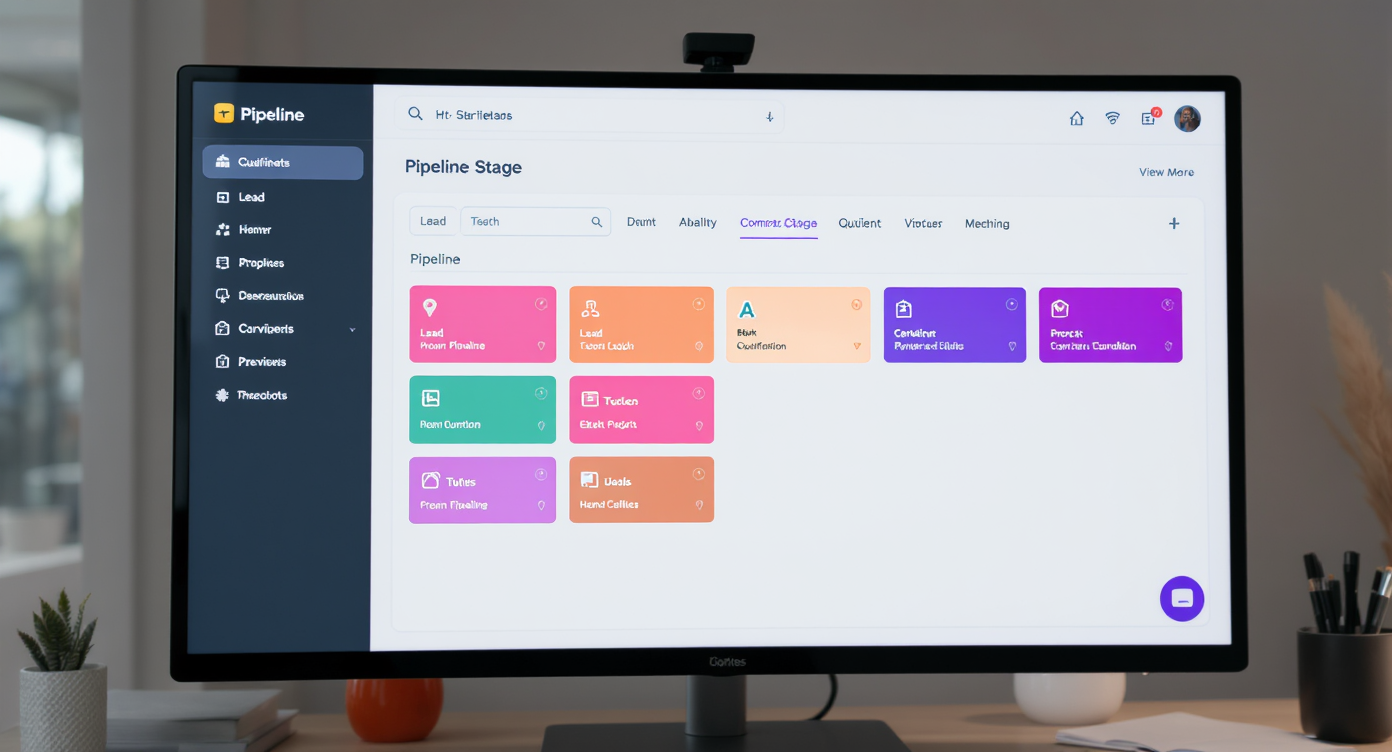
Every lead should flow through defined stages:
- New Lead — Just entered the system
- Contacted — First outreach made
- Qualified — Motivation and numbers confirmed
- Offer Made — Contract presented
- Under Contract — Signed PSA
- Closing — With title company
- Closed — Deal done
Automated Follow-Up
This is where most investors fail. Your CRM should automatically:
- Send an initial text/email when a new lead enters
- Follow up at scheduled intervals (Day 1, 3, 7, 14, 30, 60, 90)
- Change messaging based on lead behavior (opened email, clicked link, replied)
- Alert you when a cold lead re-engages
Communication Tools
- Built-in SMS and calling
- Email integration
- Call recording for training and compliance
- Template library for common messages
Reporting Dashboard
You can't improve what you don't measure:
- Leads by source
- Cost per lead and cost per deal
- Conversion rates at each pipeline stage
- Revenue by marketing channel
- Team activity tracking
Setting Up Your Pipeline
Acquisition Pipeline
Tracks seller leads from first contact to closed deal:
New Lead → Contacted → Qualified → Offer Made → Under Contract → Closing → Closed Won / Lost
Disposition Pipeline
Tracks buyer matching for wholesale deals:
Deal Available → Buyers Notified → Interest Received → Offer Accepted → Buyer Under Contract → Closed
Marketing Pipeline
Tracks your campaigns:
Campaign Created → List Loaded → Outreach Active → Responses Tracked → ROI Calculated
Automation Rules That Save Hours
Auto-Tag by Source
When a lead enters from a specific list (e.g., "Tax Delinquent PA"), automatically tag them with the source and assign them to the appropriate campaign.
Hot Lead Alert
If a seller responds with buying signals ("What's your offer?" or "How fast can you close?"), trigger an immediate notification to your phone.
Stale Lead Reactivation
If a lead has been sitting in "Contacted" for 30 days with no response, automatically restart the drip sequence with fresh messaging.
Appointment Reminder
When a call is scheduled, send automated reminders to both your team and the seller.
Common CRM Mistakes
- Too many custom fields — Keep it simple. If you're not using a field to make decisions, delete it.
- Not using tags — Tags let you segment and filter. Use them for list type, motivation level, and property condition.
- Manual data entry — If you're typing things in that could be automated, you're wasting time.
- Ignoring the data — Your CRM is collecting valuable data. Review your dashboards weekly and adjust your strategy based on what the numbers tell you.
- Not training your team — A CRM is only as good as the people using it. Make sure everyone follows the same process.
The Bottom Line
Your CRM is the backbone of your real estate business. Set it up right from day one, automate everything you can, and let the system do the heavy lifting while you focus on closing deals.
Ready to automate your acquisitions?
See how AutomizeCRM can transform your real estate business.
Schedule a Demo